Set Up in Under 5 Minutes
No technical skills required. Install, connect, and protect — it really is that simple. Here's the step-by-step process.
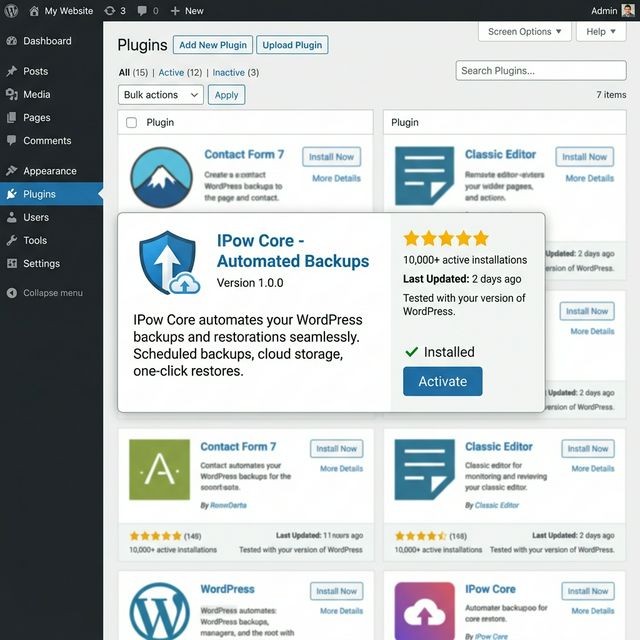
Install & Activate the Plugin
Download IPow Core from your account dashboard and upload it to your WordPress site via the Plugins screen. Click "Activate" and you're ready to configure.
- Standard WordPress plugin installation
- No FTP or SSH access needed
- Takes less than 60 seconds
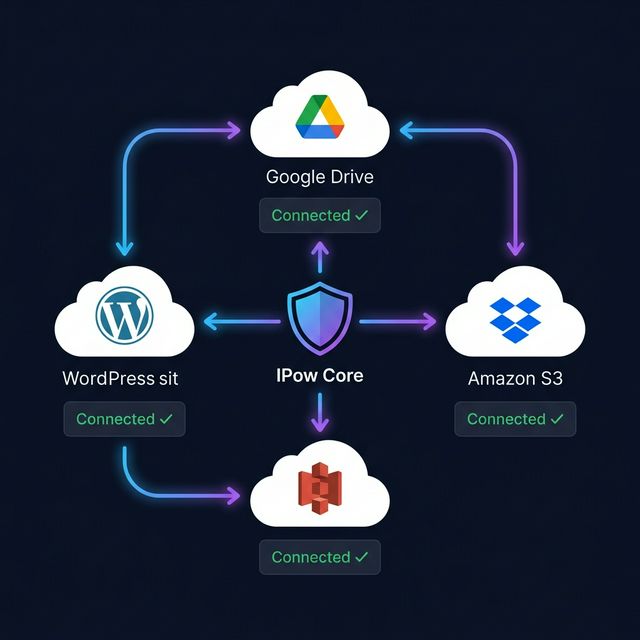
Connect Your Cloud Storage
Link your Google Drive, Dropbox, or Amazon S3 account with our secure, one-click OAuth flow. Your credentials are never stored on your WordPress server.
- One-click OAuth 2.0 connection
- Connect multiple storage providers
- Automatic folder creation
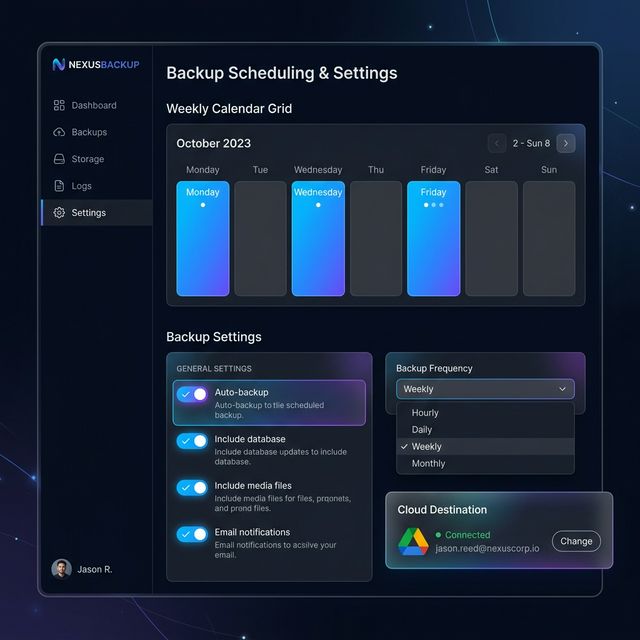
Set Your Backup Schedule
Choose your preferred backup frequency — daily, weekly, or custom intervals. IPow Core will automatically back up your entire site on schedule, every single time.
- Daily, weekly, or custom intervals
- Choose preferred backup time
- Email confirmation after each backup
Built for Performance
IPow Core is lightweight, efficient, and designed to work seamlessly with any WordPress hosting environment.
Ready to Get Started?
Protect your WordPress site in under 5 minutes. Simple setup, powerful protection.
Get IPow Core — From €29/yr